

GLP-1 prior authorization FAQs
Yes. You can start and submit GLP-1 and other prior authorization requests through your CoverMyMeds account, save your progress, manage all your PAs, and respond to pharmacy-initiated requests. If your organization is already connected, you can access CoverMyMeds through your EHR instead of creating a separate account.
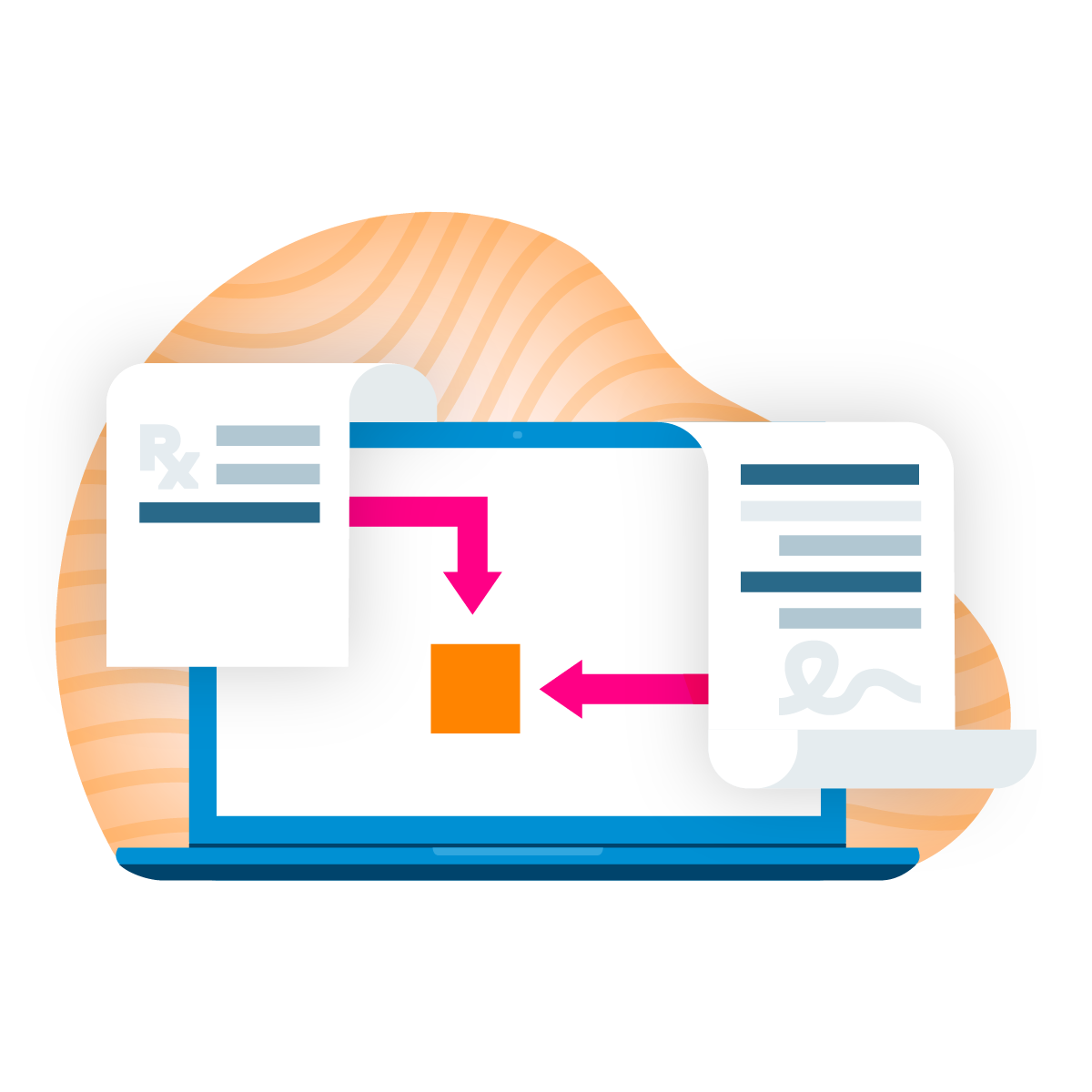
A complete request typically includes patient and prescriber information, the therapy being prescribed, and clinical documentation supporting the diagnosis and indication. When you start the request, CoverMyMeds surfaces plan-specific requirements and guides you through the required fields. You can read more about GLP-1 PA submissions in our prepared guide.
Prior authorization requirements may differ by therapy, indication, and health plan. Some plans may require step therapy, specific clinical documentation, or proof of previous treatments. When you start a request, CoverMyMeds surfaces what may be needed based on the patient's health plan and therapy. You can read more about GLP-1 PA submissions in our prepared guide.
Yes, CoverMyMeds provides operational workflow support for Medicare prior authorizations, including PAs specific to the Medicare GLP-1 Bridge Program. CoverMyMeds does not determine patient eligibility or coverage, administer the program, or serve as the exclusive PA submission channel. Care teams should refer to CMS guidance for current eligibility criteria, covered therapies and program requirements.
Formulary and PA requirements for GLP-1 therapies continue to evolve. When requirements change, a request that would have been complete under the previous criteria may be missing information under the new ones. When you start a new request, CoverMyMeds surfaces what may be needed under the current criteria so you can adjust and move forward. You can read more about GLP-1 PA submissions in our prepared guide.